Mastering React Hooks: Simplifying State Management and Side Effects

Codenova
Blockchain & Web Development Company

What do you mean by hook?
Hooks let you use different React features from your components(functional).
Why I have mentioned functional in brackets? Do we have any other components apart from functional?
Story behind the hooks
React is has two types of components class and functional. Initially functional components were considered as stateless components which means they couldn’t be used to render dynamic content.
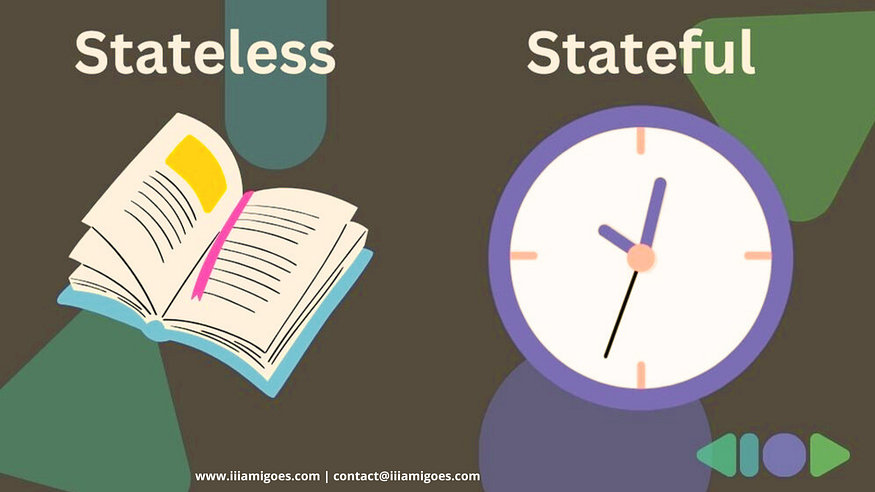
To enable functional components to manage state and utilize other React features such as side effects, context, references, and custom re-usable functions, hooks were introduced.
Some built-in hooks
Here are the some of the built-in hooks and their use cases:
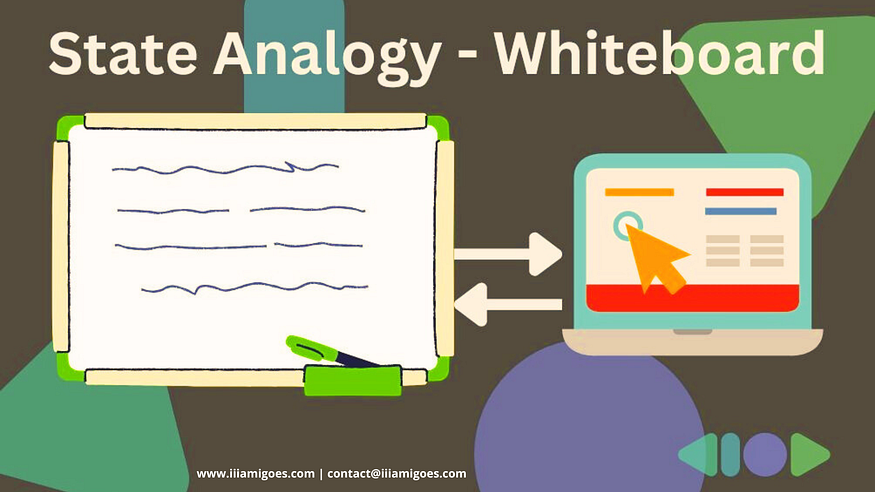
🔗 State hook — useState(): Used to store the state of a component. Let’s take a counter example where count is stored in state variable which will change according to the user actions.
State: Imagine state as a whiteboard in React where you can write whatever the important information a component needs and you can update and even erase everything. It’s a way React components to remember and respond to the changes in data or user interaction.
Use cases / Challenges:
- Toggle Button — Create a simple toggle button that changes it’s state ‘ON and ‘OFF’ when clicked
- Form Input Field — Manage the state of a form input field, allowing the users type in their name and see it updated in real-time.
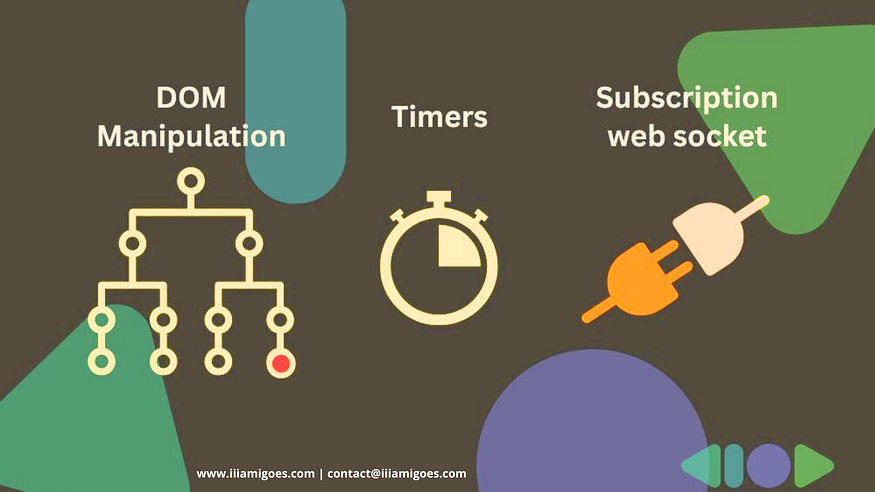
🔗 Effect hook — useEffect(): It allows functional components to perform side effects similar to lifecycle methods of class components.
side effects: It’s an action that need to happen before or alongside of the main process (component rendering). But it’s not directly related to updating the user interface. Examples are data fetching, subscription, DOM Manipulation, Timers etc..,
Use cases / Challenges:
- Data fetching — Fetch data from an API when the component mounts and update the UI with the fetched data.
- Event Listeners — Attach event listeners to the window object to listen for scroll events and update the UI accordingly.
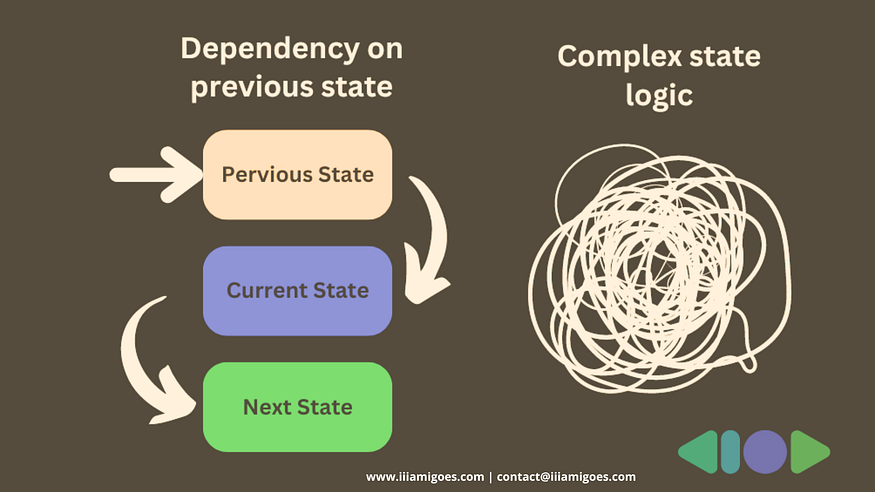
🔗 Reducer hook — useReducer(): It’s an alternative to setState ate which is used to manage more complex state logic. It is mainly useful when the next state depends on the previous state or when the state logic is more complex.
Use cases / Challenges:
- Shopping Cart — Implement a shopping cart functionality where users can add, remove, and update items, with the cart state managed using ‘useReducer’.
- Todo List — Create a todo list application where users can add, edit, and delete tasks, with the list state managed using ‘useReducer’.
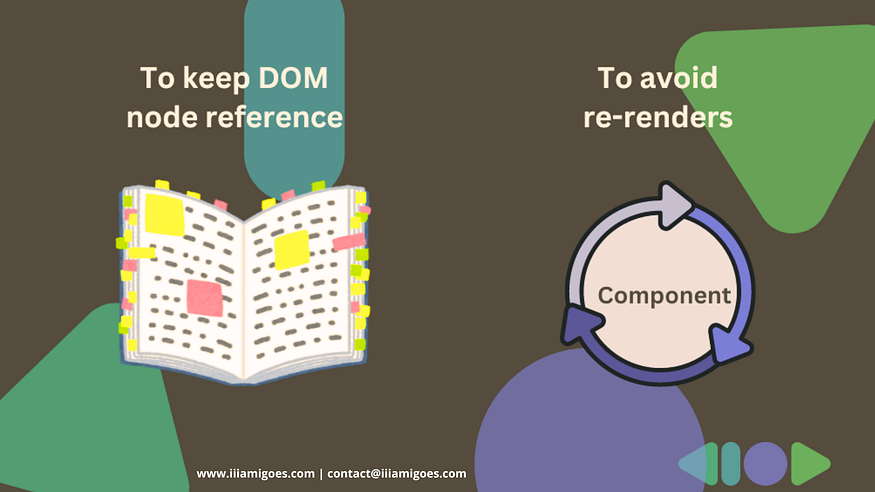
🔗 Ref hook — useRef(): Using this, functional components can keep a reference to DOM element or a value across renders without causing re-renders. It can be used to access the underlying DOM nodes or to store any mutable value.
Press enter or click to view image in full size
Use cases / Challenges:
- DOM Manipulation — Access a DOM element and manipulate its properties, such as focusing an input field or animating an element.
- Creating a Timer — Implement a countdown timer that updates in real-time, with the timer state managed using ‘useRef’.
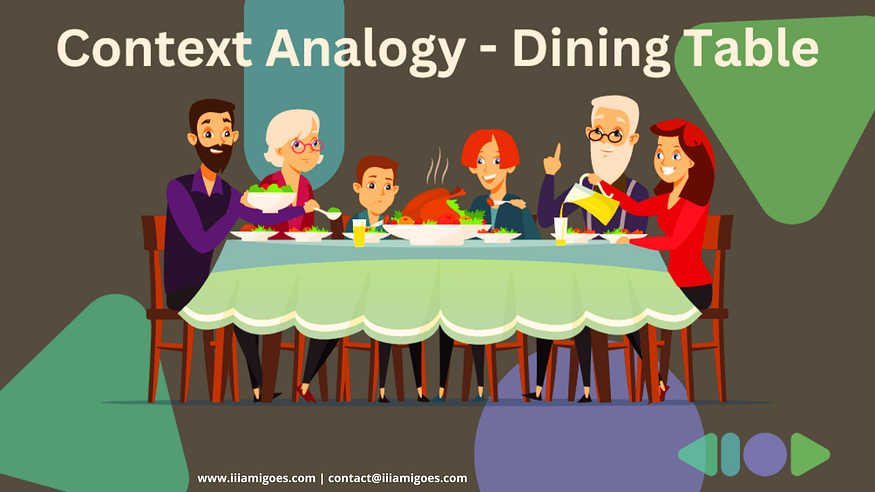
🔗 Context hook — useContext(): Context allows you to pass data through the component tree without having to pass props down manually at every level. It provides a common shared data where every component can get what they actually want without prop drilling.
Think of the dinner table as the context provider. It sets the stage for the family gathering and provides a common environment for everyone to interact. They have their own specific needs and preferences but can also share resources and information with other family members. Here family members are nothing but components.
Use cases / Challenges:
- Theme Switcher — Create a theme switcher component that allows users to toggle between light and dark themes.
- User Authentication — Manage the authentication state of a user throughout the application, providing access to user data and authentication methods.
In summary, React hooks have revolutionized the development landscape by providing a simpler and more intuitive way to manage stateful logic and side effects within functional components. With hooks like useState, useEffect, useContext, useReducer, and useRef, developers can efficiently handle complex tasks, improve code organization, and enhance component reusability.